



Direct answers
What is Black Flag Resynced?
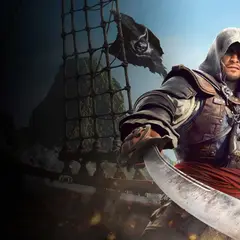
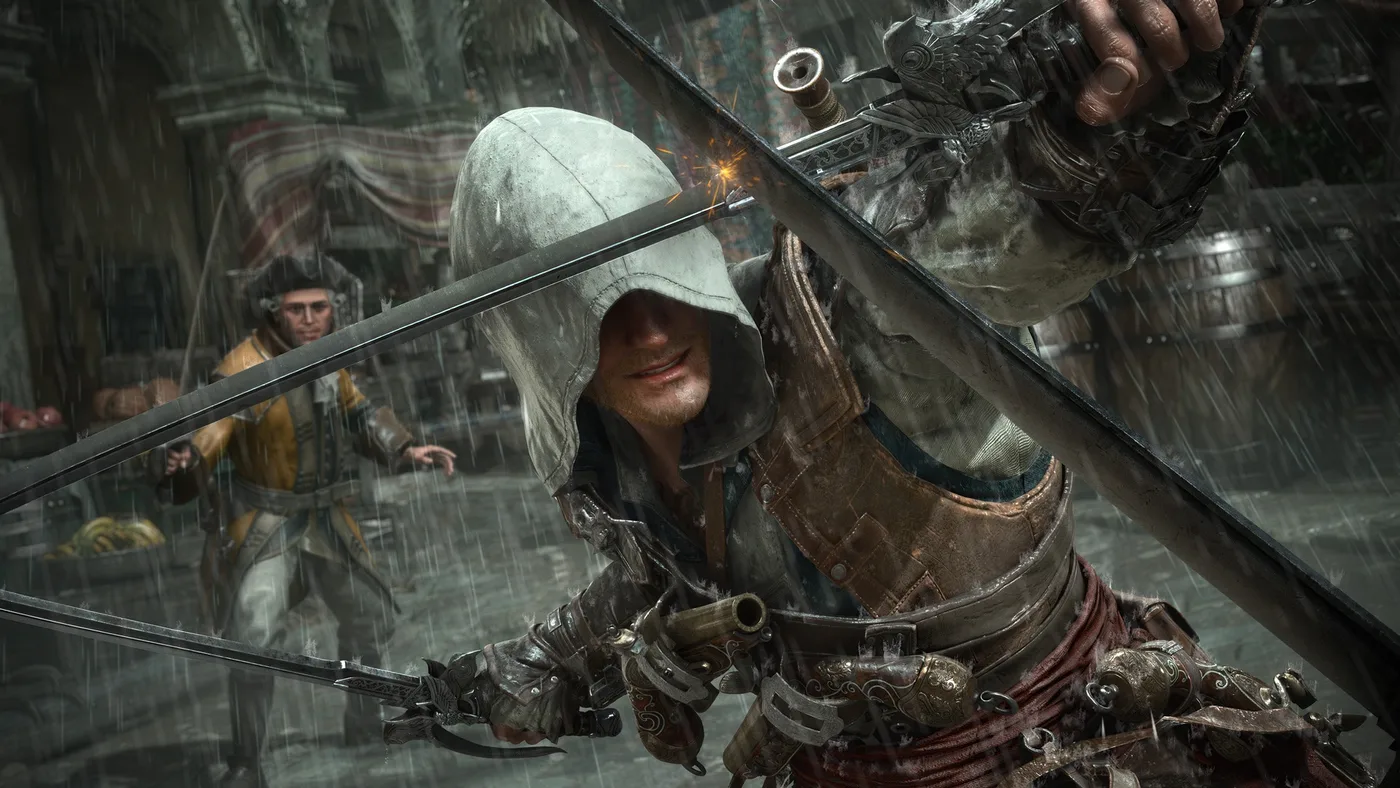
Assassin's Creed Black Flag Resynced is the remake version of Edward Kenway's Caribbean pirate adventure, with the launch, platform, edition, campaign, and remake details players usually need before buying or planning a first route.
Game facts
The main game information in one place
Use these confirmed launch answers to choose where to play, what to buy, and which route to open once Edward reaches the Caribbean.
| Player question | Answer | Why it matters |
|---|---|---|
| Is it out? | Yes, after the July 9, 2026 launch | Confirm your regional store display before starting a long route session |
| What platforms is it on? | PS5, Xbox Series X|S, and PC | Choose a console store or compare Ubisoft Store, Steam, and Epic Games Store on PC |
| Is it a remake or remaster? | Full remake | Returning players should expect updated presentation and systems, not just a texture pass |
| Can I play offline? | Ubisoft confirms offline-after-installation play for PC | Separate PC setup from console rules and online service features |
| Does it have multiplayer? | No multiplayer mode is listed | The remake is focused on the solo pirate adventure |
| Which editions exist? | Standard, Deluxe, Collector's Edition, add-on packs, and Crimson Pack availability | Edition choice affects digital packs, physical extras, and store add-ons |
Buying decision
What to decide before you buy
Choose the platform first, then the edition, then the route pages you need after the game is installed.
- Choose PS5 or Xbox Series X|S if you want the current console release instead of comparing PC store features.
- Choose PC only after checking CPU, GPU, RAM, SSD space, and the graphics target you expect to use.
- Choose Standard if you only want the base remake; compare Deluxe, add-on packs, and Collector's Edition if you want extras or physical items.
- After buying, use Map, Collectibles, Treasure Maps, Jackdaw Upgrades, and Walkthrough for the route checks behind your next session.
Official and store pages
Where changing details should be confirmed
Regional store status, language support, edition availability, achievements, add-ons, and install requirements can change after launch, so these are the player-facing pages worth opening before spending money or route time.
Current release check
The game is live, but not every feature shares the same connection rule
Ubisoft lists Black Flag Resynced as released on July 9, 2026 for PS5, Xbox Series X|S, and PC; Steam's listing supplies the current Steam Deck Verified status. Ubisoft's launch guide places the one-time online installation and offline-after-installation claim under PC Features. Treat console setup and connected Animus Hub services as separate checks.
| Player need | Use this status | Open next |
|---|---|---|
| Install the game | Check the first-party store and account region | Platforms / PC Specs |
| Play on PC offline | Ubisoft says offline play follows a one-time online installation | Test a cold launch after updates, then use Walkthrough |
| Play on console offline | Confirm the selected console's setup guidance; the PC feature statement is not console proof | Platforms / console support |
| Use Animus Hub features | Plan for an online connection | Official game page |
| Prepare for a current update | Read the official 1.0.7 notice | News / Guides |
Setup boundary
Which Black Flag Resynced features work offline after installation?
The useful answer is not simply online or offline. The downloaded solo campaign and the connected Animus Hub features have different requirements, so choose the right expectation before planning a session without a connection.
| Feature | Connection expectation | Player decision |
|---|---|---|
| PC campaign | Ubisoft says offline after a one-time online installation | Install and update while connected, cold-start the same copy offline, then use Walkthrough |
| Console campaign | Confirm the current console/store setup; do not infer it from the PC feature list | Test on the account and console you will use |
| Store | May require an online connection | Finish add-on or edition checks before going offline |
| Anomalies and Projects | Can require Animus Hub access | Complete connected setup before relying on these activities |
| Vault | Can require an online connection | Treat it as a service feature, not campaign progress |
| Title Update 1.0.7 | Check the official news and installed build | Retest a blocked route only after the update is present |
What the remake actually adds
Use the new systems to decide how you will play, not just what you will buy
Ubisoft describes Resynced as a ground-up remake with new story arcs, an eight-mission Blackbeard endgame chapter called A World Without Gold, four optional Animus Rift sequences, three officers, integrated Kenway's Fleet, 10 new shanties, pets, and photo mode. Those additions change route planning: completion is no longer just the original map with sharper graphics.
| New or rebuilt system | What it changes for a player | Page to continue |
|---|---|---|
| Three officers | Ship perks arrive through quests, so officer routes can solve an upgrade problem | Jackdaw Upgrades / Naval |
| Kenway's Fleet integrated | Captured ships can produce missions, trade goods, and passive rewards in the game itself | Naval |
| New shanties and activities | A classic city sweep is not the full song collection | Collectibles / Sea Shanties |
| New story and Animus Rift content | Walkthrough labels must distinguish original memories from new routes | Walkthrough |
| Reworked ground and naval combat | Old parry, stealth, and ship purchase habits need a controlled retest | Remake vs Original / Guides |
Purchase-to-play checklist
Move from store decision to a usable first save
Game Info should answer the practical handoff between buying and playing. Confirm the platform and edition, prepare the connection-dependent setup, then move to a route page once the save exists. This prevents store copy from crowding out actual gameplay guidance.
- Keep edition features separate from gameplay unlocks; a digital pack does not replace a story or officer route.
- Check the regional store immediately before purchase because availability and language listings can change.
- After installation, record the current build and connection state before diagnosing a missing feature.
- Use the focused route page as soon as the question changes from “can I play?” to “how do I finish this?”
| Stage | Confirm | Then open |
|---|---|---|
| Choose platform | PS5, Xbox Series X|S, PC store, or Steam Deck status | Platforms |
| Choose edition | Base game, Deluxe packs, physical extras, and regional availability | Editions |
| Prepare install | One-time online installation, storage, updates, and account link | PC Specs or Platforms |
| Start campaign | On PC, Ubisoft says offline campaign play follows one-time online installation; confirm platform-specific setup on console | Walkthrough |
| Plan live features | Store, Projects, Anomalies, Vault, and crossover activities may need online access | Official status/news page |
First-session proof
Finish the first 30 minutes with five checks
A successful install is only the beginning. Use the first session to prove that the account, build, connection, display target, and save all agree before committing to a long Caribbean route. This small handoff catches most setup mistakes while they are still easy to reverse.
- Write down the platform, store, edition, and installed version while the account page is still open.
- Launch the campaign once while connected, then test the same save after disconnecting only if offline play matters to this session.
- Choose one first route: the next memory, a nearby map stop, or a ship preparation task. Do not begin a region-wide cleanup before the save is proven.
- If a feature is missing, capture the exact menu wording and route it to Platforms, PC Specs, Walkthrough, or the official support page instead of guessing from an old guide.
| Checkpoint | What to verify | If it does not match |
|---|---|---|
| Account | The platform library shows the intended edition and add-ons | Check the store region, receipt, and entitlement before reinstalling |
| Build | The title screen or update panel shows the current installed version | Finish the update while connected and keep the exact version beside the problem |
| Connection | The campaign opens after the initial online setup | Separate a launcher or licence prompt from an in-game campaign block |
| Display | The opening scene holds the resolution and frame target you chose | Move to PC Specs and change one graphics setting before changing the whole preset |
| Save | The game returns to the same campaign state after a normal quit and relaunch | Keep the save, note the prompt, and use the platform support path before deleting anything |
Edition decision
Already own Standard? Check the difference before buying again
The base game, an edition bundle, and a separately listed add-on are different purchase items. If your account already owns Standard, compare the included content in your library with the extras you actually want before considering another full-game bundle.
- Make a two-column note: already owned and still wanted. Include the store account and platform next to each item.
- Keep edition comparison separate from PC compatibility: buying a bundle cannot fix an unsupported hardware target.
- After the library shows the expected entitlement, move to installation and the first memory instead of continuing to compare bundle names.
| What you want | Check before paying | Decision |
|---|---|---|
| Edward's main campaign | Whether the base game is already in your platform library | Install the owned game; a more expensive edition is not needed merely to begin the story |
| A particular character or naval pack | The pack name, platform, and whether the account already owns it | Compare the eligible add-on with the bundle price; do not assume upgrades exist on every store |
| Physical Collector's extras | Item list, shipping, stock, region, and game format | Value the physical items separately from the digital content |
| A advertised bonus such as Crimson Pack | The exact current store entitlement and any offer conditions | Do not count a past promotion as included unless the listing or receipt says so |