
Jackdaw / Elite Design Plans
Mortar Storage Ultimate Plan – Tortuga to Matanzas
Record the mortar count when the attempt fails. Only pursue the Tortuga-to-Matanzas route if you run out while the ship remains fight-ready.
- Coordinates
- 312, 617 (Resynced Matanzas dig lead)
- Area
- Tortuga clue → Matanzas dig
- Location
- Tortuga beach map → Matanzas waterfall dig
- Reward
- Mortar Storage Ultimate Plan (confirm in the current save)
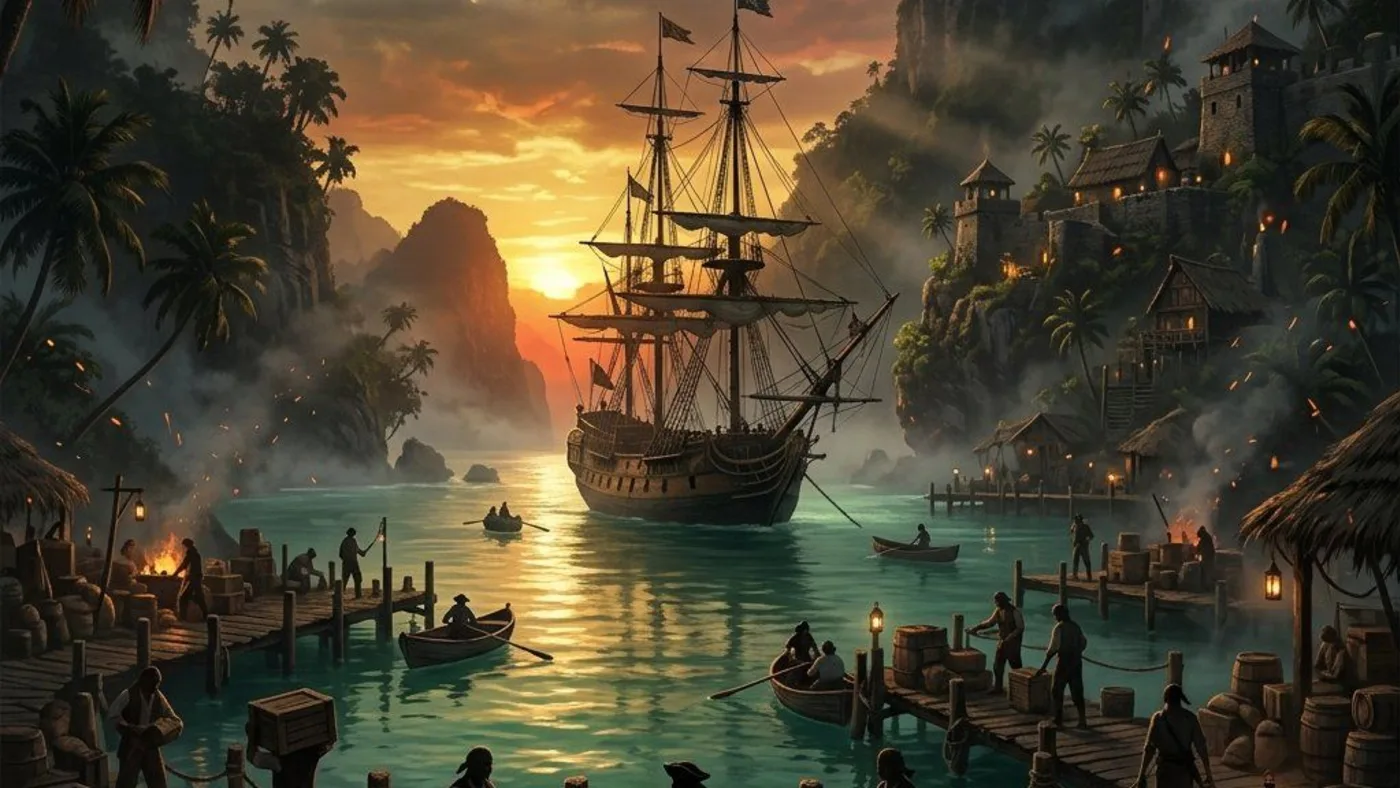
Player workbench
Check the Matanzas mortar-storage plan when ammunition capacity, not damage, interrupts a long naval encounter.
More mortar rounds cannot fix missed shots, low mortar damage, or a hull that fails before the extra rounds are used.
Why this entry is useful
An ammo-capacity diagnosis paired with the Tortuga beach clue, Matanzas waterfall chest and count-based retry.
PowerPyx's Resynced treasure-map guide is the located lead for Tortuga's beach skeleton map near 851, 352 and Matanzas's waterfall dig near 312, 617. This is single-publisher third-party coverage, not official or independent current-save evidence; confirm the clue, live dig prompt, named reward and current Mortar Storage menu state in the save.
Record the mortar count when the attempt fails. Only pursue the Tortuga-to-Matanzas route if you run out while the ship remains fight-ready.
The chest reward and storage menu line agree, and the repeated encounter benefits from the additional available rounds rather than a changed firing pattern.
What are you trying to do with this entry?
Choose one decision and follow 3 checks in order.
- Dig areaWrite down rounds remaining at the failure point; a miss pattern is an aiming or range problem, not a storage shortage.
- ClueConfirm the Tortuga map near 851, 352, then search left of Matanzas's Mayan Stela behind the waterfall near 312, 617; inspect the chest reward before leaving.
- Ship menuCompare the displayed ammunition capacity in the Jackdaw menu and replay the same fight without changing other ship lanes.
Start with the first check above and keep the confirmed area, marker, or objective beside the next move.
More mortar rounds cannot fix missed shots, low mortar damage, or a hull that fails before the extra rounds are used.
The chest reward and storage menu line agree, and the repeated encounter benefits from the additional available rounds rather than a changed firing pattern.
Capacity is not accuracy
The counterfactual is simple: if rounds remain when the fight fails, this plan is not the immediate fix. Preserve the Matanzas dig for a later capacity-limited encounter.
I still have mortar rounds
If the Matanzas waterfall dig is absent, confirm the Tortuga beach map in inventory before repeating the sail. If capacity rises but the fight does not change, inspect range, aim or incoming fire.
Count rounds → dig → capacity retest
- Write down rounds remaining at the failure point; a miss pattern is an aiming or range problem, not a storage shortage.
- Confirm the Tortuga map near 851, 352, then search left of Matanzas's Mayan Stela behind the waterfall near 312, 617; inspect the chest reward before leaving.
- Compare the displayed ammunition capacity in the Jackdaw menu and replay the same fight without changing other ship lanes.
Route Plan
How to use Mortar Storage Ultimate Plan – Tortuga to Matanzas
Use this Jackdaw upgrade check before spending resources: verify Mortar Storage Ultimate Plan – Tortuga to Matanzas around Tortuga clue → Matanzas dig. The current coordinate check is 312, 617.
- Record remaining mortar rounds at the failure point before following the Matanzas clue.
- Start with Tortuga clue → Matanzas dig check before moving to nearby markers.
- Mark 312, 617 before you leave port or fast travel.
- Confirm the reward shown in your save: Mortar Storage Ultimate Plan (confirm in the current save).
Save Checklist
Save Checklist
Use these checks before marking Mortar Storage Ultimate Plan – Tortuga to Matanzas complete.
- Entry type: Jackdaw Upgrade.
- Recommended check: Check Jackdaw menu.
- Main risk: The plan detour can consume time without fixing the real naval bottleneck.
- Confirm the marker, reward, or requirement in the current Resynced build.
- Open next: locations/matanzas.
Upgrade Lane
Upgrade Lane
Treat this as a ship-power decision, not just a map pickup.
- Confirm whether the upgrade improves storage, armor, broadside, mortar, ram, fire barrel, harpoon, or heavy shot power.
- Use 312, 617 for the map check before leaving port.
- Match the upgrade lane to the naval fight that is actually blocking you.
Before Spending
Before Spending
The Jackdaw menu should decide whether this route is worth the sail.
- Check whether the upgrade is already installed or still locked.
- Compare the plan against your current failure: sinking, low damage, weak range, bad approach, or storage pressure.
- Group nearby treasure maps and location checks into the same route.
Naval Retry Prep
Naval Retry Prep
Use the upgrade only when it changes the next sea fight.
- Restock ammunition before retrying forts, contracts, or legendary ships.
- Use mortars for safer openings when close approach is the problem.
- Return to Naval after the plan is installed so the fight route matches the new ship power.


Common Questions
How do I reach Mortar Storage Ultimate Plan – Tortuga to Matanzas?
For Mortar Storage Ultimate Plan – Tortuga to Matanzas, start from Tortuga clue → Matanzas dig and confirm the 312, 617 plan marker. Use the Tortuga eastern-beach map to Matanzas waterfall-side chest and clue ownership, stela-side waterfall and named reward check to identify the pickup approach, then keep the source clue and the plan name together before returning to the Jackdaw menu.
What should I verify after collecting Mortar Storage Ultimate Plan – Tortuga to Matanzas?
At Tortuga clue → Matanzas dig, verify that the current ship menu accepts Mortar Storage Ultimate Plan – Tortuga to Matanzas; compare the recorded “Mortar Storage Ultimate Plan (confirm in the current save)” signal with the 312, 617 plan marker instead of treating a visible map icon as an installed upgrade. Repeat the same naval opening that caused the problem so you can tell whether the plan changed survival, damage, range, control, or capacity.
What if Mortar Storage Ultimate Plan – Tortuga to Matanzas is visible but cannot be installed?
For Mortar Storage Ultimate Plan – Tortuga to Matanzas, keep the 312, 617 plan marker as the confirmed pickup, then check the Harbourmaster or Captain's Cabin for the missing prerequisite and materials. Do not buy another lane until the menu names the blocker around Tortuga clue → Matanzas dig.