
Jackdaw / Elite Design Plans
Broadside Cannons Number Ultimate Plan – The Blue Hole
Check that the Jackdaw survives and reaches broadside range, then read the Cannons Number menu line before sailing to The Blue Hole.
- Coordinates
- 440, 145 (Resynced wreck lead)
- Area
- The Blue Hole wreck
- Location
- The Blue Hole wreck
- Reward
- Broadside Cannons Number Ultimate Plan (confirm in the current save)
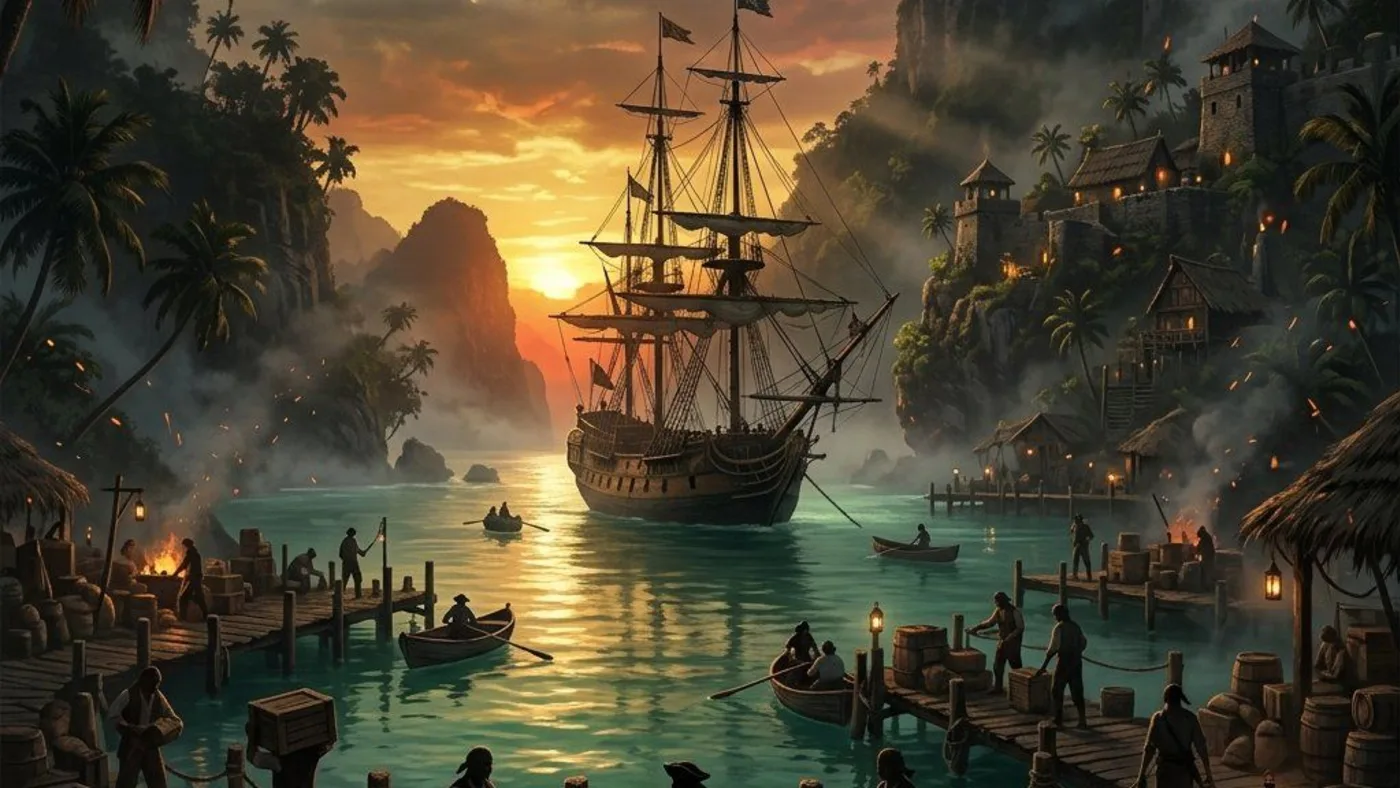
Player workbench
Find the Broadside Cannons Number Ultimate Plan at The Blue Hole when a stable side-on pass needs a fuller salvo.
If the Jackdaw sinks before firing, hull strength or approach is the blocker; if a clean side-on pass fires too few guns, the cannon-number lane is relevant.
Why this entry is useful
A cannon-count-versus-survival choice, Blue Hole wreck dive and same-angle firing test.
The Resynced wreck lead is The Blue Hole around 440, 145, not the older 471, 170 point or San Ignacio's hull route. Verify the live wreck, pickup and harbourmaster menu.
Check that the Jackdaw survives and reaches broadside range, then read the Cannons Number menu line before sailing to The Blue Hole.
Broadside Cannons Number Ultimate Plan appears by name and a repeated side-on pass shows whether the larger salvo, not positioning, was the needed change.
What are you trying to do with this entry?
Choose one decision and follow 3 checks in order.
- Wreck markerBefore the dive, separate a short salvo from a ship that dies before firing or cannot close range; only the first makes this plan the immediate lane.
- Ship choiceUse The Blue Hole wreck marker and diving-bell access around 440, 145; San Ignacio is the separate hull-armor dive.
- Fight retryConfirm Broadside Cannons Number Ultimate Plan by name, inspect install prerequisites, then compare the same firing pass before spending on another lane.
Start with the first check above and keep the confirmed area, marker, or objective beside the next move.
If the Jackdaw sinks before firing, hull strength or approach is the blocker; if a clean side-on pass fires too few guns, the cannon-number lane is relevant.
Broadside Cannons Number Ultimate Plan appears by name and a repeated side-on pass shows whether the larger salvo, not positioning, was the needed change.
The two wreck plans are not interchangeable
The Blue Hole cannon-number route answers a fuller-salvo need; San Ignacio hull armor answers survival. Confirm the exact Ultimate-plan name and ship symptom before another dive.
I found hull armor instead
If the wreck pickup is hull armor or the Blue Hole marker is absent, keep that result separate and read the current cannon-number menu hint. If the plan installs but the salvo still underperforms, repeat a side-on firing line before shopping again.
Salvo need → Blue Hole dive → firing test
- Before the dive, separate a short salvo from a ship that dies before firing or cannot close range; only the first makes this plan the immediate lane.
- Use The Blue Hole wreck marker and diving-bell access around 440, 145; San Ignacio is the separate hull-armor dive.
- Confirm Broadside Cannons Number Ultimate Plan by name, inspect install prerequisites, then compare the same firing pass before spending on another lane.
Route Plan
How to use Broadside Cannons Number Ultimate Plan – The Blue Hole
Use The Blue Hole wreck for the Broadside Cannons Number plan, not the San Ignacio hull-armor route. Confirm the dive marker near 440, 145 and the named underwater pickup before paying for the final cannon-number upgrade.
- If the Jackdaw survives and reaches side-on range but needs a fuller salvo, inspect the Broadside Cannons Number line; sinking early needs hull or positioning first.
- Check diving-bell access at The Blue Hole around the Resynced 440, 145 wreck lead; San Ignacio is the separate hull-armor lead.
- Read the exact underwater pickup and harbourmaster menu names, then retest the same broadside angle after any install.
Save Checklist
Save Checklist
Use these checks before marking Broadside Cannons Number Ultimate Plan – The Blue Hole complete.
- Entry type: Jackdaw Upgrade.
- Recommended check: Check Jackdaw menu.
- Main risk: A San Ignacio repeat dive cannot prove a Blue Hole broadside pickup and can waste both route time and materials.
- Confirm the marker, reward, or requirement in the current Resynced build.
- Open next: jackdaw upgrades.
Upgrade Lane
Upgrade Lane
Treat this as a ship-power decision, not just a map pickup.
- Confirm whether the upgrade improves storage, armor, broadside, mortar, ram, fire barrel, harpoon, or heavy shot power.
- Use 440, 145 for the map check before leaving port.
- Match the upgrade lane to the naval fight that is actually blocking you.
Before Spending
Before Spending
The Jackdaw menu should decide whether this route is worth the sail.
- Check whether the upgrade is already installed or still locked.
- Compare the plan against your current failure: sinking, low damage, weak range, bad approach, or storage pressure.
- Group nearby treasure maps and location checks into the same route.
Naval Retry Prep
Naval Retry Prep
Use the upgrade only when it changes the next sea fight.
- Restock ammunition before retrying forts, contracts, or legendary ships.
- Use mortars for safer openings when close approach is the problem.
- Return to Naval after the plan is installed so the fight route matches the new ship power.
Common Questions
How do I reach Broadside Cannons Number Ultimate Plan – The Blue Hole?
For Broadside Cannons Number Ultimate Plan – The Blue Hole, start from The Blue Hole wreck and confirm the 440, 145 plan marker. Use the The Blue Hole underwater wreck and diving-bell access and named broadside-plan check to identify the pickup approach, then keep the source clue and the plan name together before returning to the Jackdaw menu.
What should I verify after collecting Broadside Cannons Number Ultimate Plan – The Blue Hole?
At The Blue Hole wreck, verify that the current ship menu accepts Broadside Cannons Number Ultimate Plan – The Blue Hole; compare the recorded “Broadside Cannons Number Ultimate Plan (confirm in the current save)” signal with the 440, 145 plan marker instead of treating a visible map icon as an installed upgrade. Repeat the same naval opening that caused the problem so you can tell whether the plan changed survival, damage, range, control, or capacity.
What if Broadside Cannons Number Ultimate Plan – The Blue Hole is visible but cannot be installed?
For Broadside Cannons Number Ultimate Plan – The Blue Hole, keep the 440, 145 plan marker as the confirmed pickup, then check the Harbourmaster or Captain's Cabin for the missing prerequisite and materials. Do not buy another lane until the menu names the blocker around The Blue Hole wreck.