
Collectibles / Treasure Maps
Île à Vache to Jiguey Treasure Map
Read the treasure-map inventory first. If the clue is missing, use the northeast shoreline skeleton on Île à Vache near 812, 114; if it is owned, route to Jiguey and follow the cave to the beach before searching the right-hand sand between palms.
- Type
- Treasure Map
- Coordinates
- 534, 510 (Jiguey cave beach dig lead)
- Area
- Île à Vache clue → Jiguey cave beach
- Location
- Île à Vache 812, 114 → Jiguey 534, 510
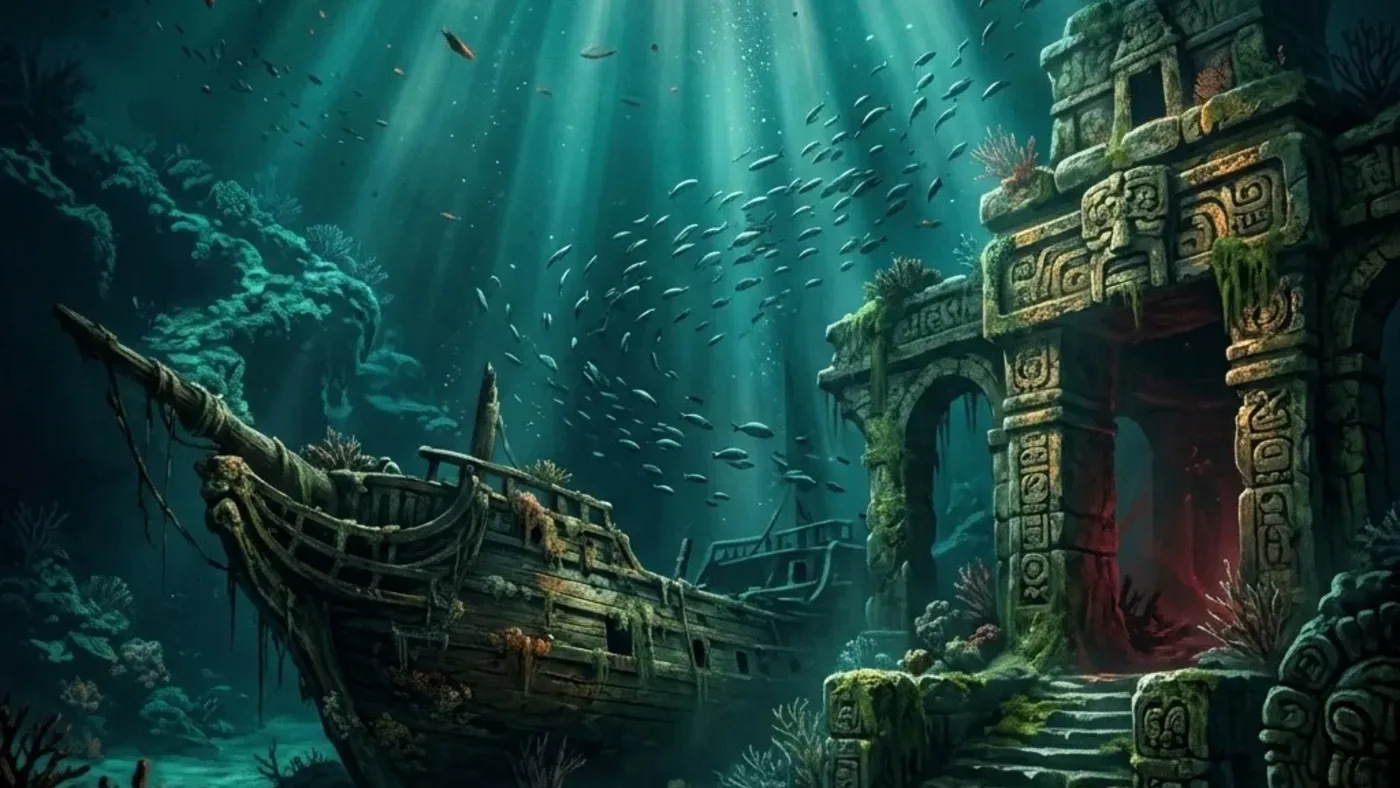
Île à Vache → Jiguey · skeleton clue to cave beach
Use the map's destination sketch to find the cave beach—not to repeat the skeleton pickup
This route crosses two distinct checks: an Île à Vache northeast-shore skeleton near 812, 114 carries the clue, while the Jiguey cave near 534, 510 contains its buried reward. Read inventory before setting sail, then use the pirate-enemy swim section and brute-marked beach to narrow the dig to the right-hand sand between palms.
Inventory · choose the unfinished leg
Do thisOpen the treasure-map list first. If this Île à Vache clue is already owned, skip the skeleton and route to Jiguey; if it is missing, use the northeast shoreline near 812, 114 as the pickup lead.
Compare treasure cluesLook forThe correct map title and paper sketch are visible in inventory before you commit to the cave route.
If it does not work
If you cannot tell which clue you hold, compare the sketch and name in the current save. Do not use the Jiguey dig coordinate as a second pickup search.
Île à Vache · northeast shoreline skeleton
Do thisFor a missing clue, follow the live marker to the northeast shoreline around 812, 114 and loot the skeleton. The paper points onward to Jiguey; this is not the buried-chest point.
Check Île à Vache markersLook forThe map appears in inventory and its destination sketch can be reopened after leaving Île à Vache.
If it does not work
If the skeleton is already cleared, verify the map list before searching the beach again. Let the current marker settle the exact shoreline approach.
Jiguey · cave swim-through to beach
Do thisWith the clue owned, set Jiguey near 534, 510 as the destination. Enter the cave, continue through the pirate-enemy section to the beach, and use the brute as the shoreline landmark; search the sand on the right between the palm trees.
Open Jiguey map checksLook forThe current sketch and map marker identify Jiguey, and the beach dig prompt appears in the right-hand palm gap.
If it does not work
If you reach a cave interaction before the beach, keep following the route to the shoreline instead of treating that interaction as the buried map chest. If the prompt is absent, reopen the clue and recheck the beach side and palm gap.
Reward · Baroque Guitar and Reales
Do thisOpen the prompted buried chest, then read the reward result for Baroque Guitar Art Collection Piece and the listed 2,500-Reales payout. If you are tracking Dilettante, check its Art Collection progress after the pickup.
Check Art Collection progressLook forBaroque Guitar is recorded by name and the current save shows the chest payout; the map icon or a local cave pickup alone is not completion.
If it does not work
If the named Art Piece is absent, check the reward screen and collection progress before repeating either island leg. Treat the 2,500 Reales as a route listing, not a guaranteed current-build payout.
Two coordinates, different jobs
Before you leaveLeave only after the correct map is identified, the Jiguey beach chest is opened, and Baroque Guitar appears by name in the collection. If the clue, dig prompt or reward is missing, save that one leg instead of repeating the completed voyage.
Player workbench
Carry Île à Vache's skeleton map through Jiguey's cave and recover the Baroque Guitar without confusing the pickup coordinate with the beach dig.
The clue begins on Île à Vache at 812, 114 but ends inside Jiguey cave near 534, 510. Returning to the skeleton after the map is owned, or searching the cave before reaching its brute-marked beach, repeats the wrong leg.
Why this entry is useful
A cave-specific four-stage route card: inventory gate → northeast skeleton → Jiguey swim-through → brute beach and right-hand palm gap, with a separate Baroque Guitar/reward finish check.
Use 812, 114 as the Île à Vache map-pickup lead and 534, 510 as the Jiguey cave-reward lead. These are route hints rather than a substitute for the current map: the sketch, live marker, shovel prompt and named reward in your save decide whether the route matches this build.
Read the treasure-map inventory first. If the clue is missing, use the northeast shoreline skeleton on Île à Vache near 812, 114; if it is owned, route to Jiguey and follow the cave to the beach before searching the right-hand sand between palms.
The beach chest opens and Baroque Guitar Art Collection Piece appears by name; check the listed 2,500-Reales reward and any Dilettante progress in the current save before closing the route.
What are you trying to do with this entry?
Choose one decision and follow 4 checks in order.
- Pickup and digInventory: check whether this Île à Vache clue is already owned. If it is missing, use the northeast shoreline skeleton near 812, 114; that coordinate is the pickup, not the dig.
- Treasure routesClue: read the paper sketch and route to Jiguey. Use 534, 510 as the cave destination lead and let the current map marker confirm the island and cave entrance.
- Art collectionApproach: swim through the pirate-enemy section to the beach. Use the brute as the beach landmark, then search the sand on the right between the palm trees for the live shovel prompt.
- Check 4Proof: open the prompted chest and verify Baroque Guitar Art Collection Piece plus the listed 2,500 Reales in the current save. Check Art Collection/Dilettante progress separately; map ownership alone is not the reward.
Start with the first check above and keep the confirmed area, marker, or objective beside the next move.
The clue begins on Île à Vache at 812, 114 but ends inside Jiguey cave near 534, 510. Returning to the skeleton after the map is owned, or searching the cave before reaching its brute-marked beach, repeats the wrong leg.
The beach chest opens and Baroque Guitar Art Collection Piece appears by name; check the listed 2,500-Reales reward and any Dilettante progress in the current save before closing the route.
Resume from the missing map, cave approach or reward state
Île à Vache 812, 114 is the northeast shoreline clue pickup; Jiguey 534, 510 is the cave destination. The skeleton, cave swim-through, brute-marked beach dig, and named Art Collection reward are different completion states.
The Jiguey beach chest or Baroque Guitar is still missing
If the clue is absent, check treasure-map inventory and return to the northeast shoreline skeleton on Île à Vache near 812, 114. If the map is owned, reopen its sketch and route to Jiguey instead of repeating the pickup. Inside the cave, continue through the pirate-enemy section to the beach; from the brute landmark, inspect the sand on the right between the palms and wait for the current dig prompt. If the chest opens without Baroque Guitar, check the reward screen, Art Collection and Dilettante progress before sailing again; a separate cave interaction is not proof of this map reward.
Northeast skeleton → Jiguey cave beach → Baroque Guitar
- Inventory: check whether this Île à Vache clue is already owned. If it is missing, use the northeast shoreline skeleton near 812, 114; that coordinate is the pickup, not the dig.
- Clue: read the paper sketch and route to Jiguey. Use 534, 510 as the cave destination lead and let the current map marker confirm the island and cave entrance.
- Approach: swim through the pirate-enemy section to the beach. Use the brute as the beach landmark, then search the sand on the right between the palm trees for the live shovel prompt.
- Proof: open the prompted chest and verify Baroque Guitar Art Collection Piece plus the listed 2,500 Reales in the current save. Check Art Collection/Dilettante progress separately; map ownership alone is not the reward.
Route Plan
Northeast skeleton → Jiguey cave beach → Baroque Guitar
Keep the clue and recovery point separate: Île à Vache's northeast-shore skeleton near 812, 114 supplies the map, while Jiguey's 534, 510 lead is inside the cave at the beach beyond the pirate-enemy section. Use the brute as the beach landmark and check the sand on the right between the palm trees. Match the map sketch and live shovel prompt before opening the chest.
- Check the treasure-map inventory before sailing. If this clue is missing, use Île à Vache's northeast shoreline near 812, 114 and confirm the skeleton map was added; do not dig here.
- Read the map sketch and set Jiguey as the destination. The 534, 510 lead is the cave reward stop, not the map pickup; follow the current marker if its position differs.
- Inside Jiguey's cave, swim through the pirate-enemy section to the beach. Use the brute as the beach landmark, then check the sand on the right between the palms for the shovel prompt.
- Open the prompted chest and verify the Baroque Guitar Art Collection Piece and listed 2,500-Reales reward in the current save. A map pickup or a nearby cave interaction is only partial progress.
Do not reverse the clue coordinate
Do not reverse the clue coordinate
The two map points belong to different islands and different states. The northeast skeleton starts the route; Jiguey's cave beach closes it.
- 812, 114 is the Île à Vache map-pickup lead.
- 534, 510 is the Jiguey cave destination lead; do not look for the map skeleton there.
- Use the live map and the paper sketch if the current build places a marker differently.
Use the cave beach as the dig landmark
Use the cave beach as the dig landmark
The route does not end at the first cave object or enemy. Continue to the beach and use its named visual anchors to narrow the search.
- Pass through the pirate-enemy section toward the beach.
- Use the brute as the beach-side landmark, then check the sand on the right between the palms.
- Wait for the current shovel prompt and match the map sketch before interacting.
Close the collection result
Close the collection result
A treasure map can be owned while its chest remains open. Use the named art piece as the finish signal, not a local map icon or an unrelated cave result.
- Confirm Baroque Guitar Art Collection Piece in the reward or collection view.
- Treat 2,500 Reales as a listed route reward and read the actual current payout.
- If pursuing Dilettante, check its Art Collection progress after the pickup.
Common Questions
Is 812, 114 the Jiguey treasure dig?
No. Use 812, 114 as the northeast-shore skeleton pickup lead on Île à Vache. After confirming the map in inventory, follow its sketch to Jiguey near 534, 510 for the cave-beach chest.
Where is the shovel prompt inside Jiguey cave?
Continue through the pirate-enemy section to the beach. Use the brute as the beach landmark, then check the sand on the right between the palm trees and confirm the current shovel prompt before interacting.
What reward should I verify for the Jiguey map?
The route is listed for Baroque Guitar Art Collection Piece and 2,500 Reales. Check Baroque Guitar by name in the current collection or reward screen, read the actual payout, and review Dilettante progress separately if you are tracking that achievement.