
Collectibles / Treasure Maps
Great Inagua Portrait Map to The Fortune
Check the manor's portrait display and treasure-map inventory before sailing. If all 11 portraits are hung and this map is owned, follow the local southern-shore sketch rather than the Nassau route.
- Type
- Treasure Map
- Coordinates
- 820, 430 (southern-shore dig lead)
- Area
- Great Inagua Manor → Great Inagua southern shore
- Location
- Great Inagua Manor portrait reward → southern beach
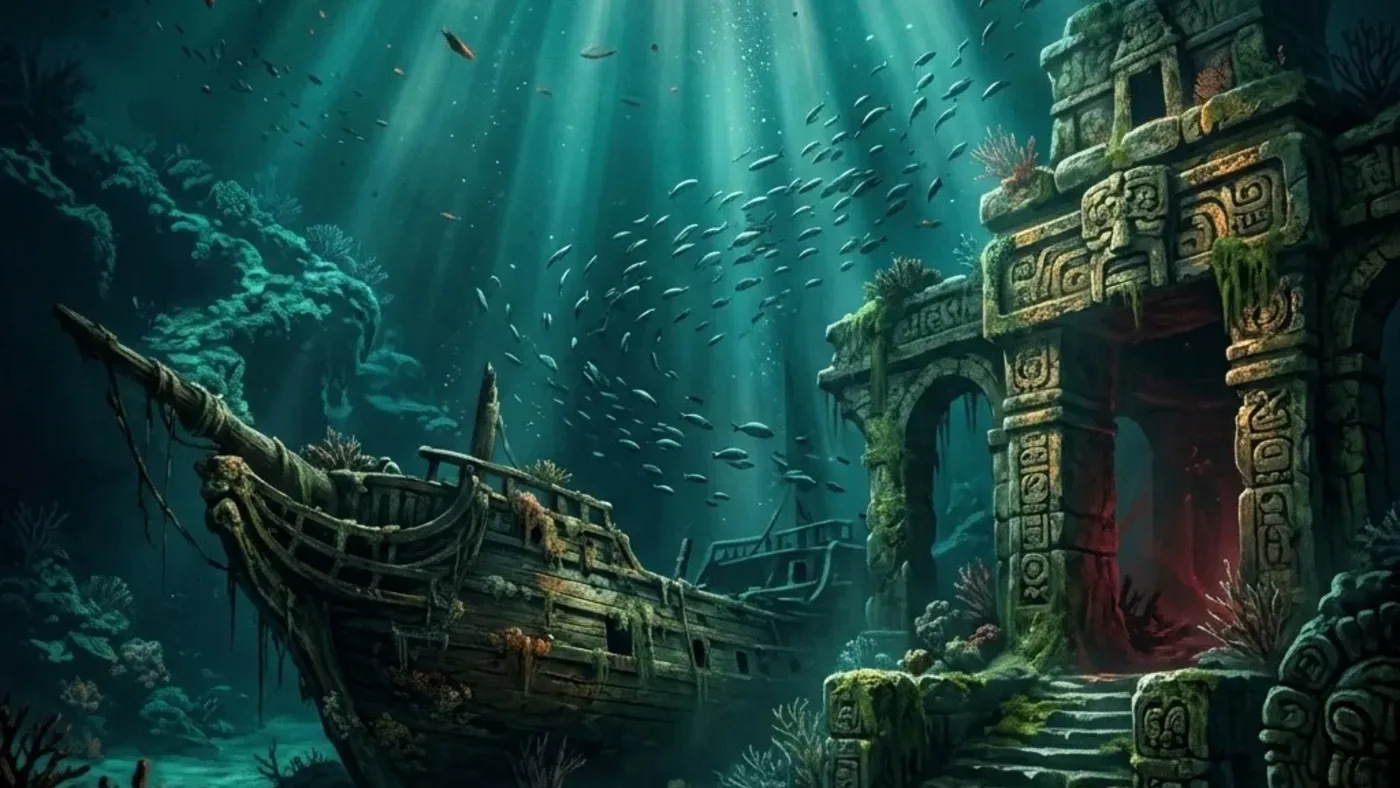
Great Inagua Manor → southern beach · portrait reward · The Fortune
Hang the portrait set first; this map stays on Great Inagua
This is not Great Inagua's dockside clue to Nassau. The manor portrait reward sends you back to the island's southern shore for The Fortune, so check the held sketch before planning another crossing.
Great Inagua Manor · complete the portrait display
Do thisCheck the manor wall and finish hanging all 11 character portraits. Then confirm the treasure map reward appeared in inventory before leaving the island.
Check character portrait progressLook forAll 11 portraits are displayed and the map is present; an almost-complete wall is not the route start.
If it does not work
If the reward has not appeared, reconcile the portrait names in the character display rather than revisiting a dig coordinate or searching the dockside cave.
Sketch · keep the route on Great Inagua
Do thisOpen the map and compare the southern-shore drawing. This portrait reward stays on Great Inagua; the separate dockside cave map points to Nassau for Grey Sails.
Open the Nassau Grey Sails routeLook forThe map title and sketch identify Great Inagua as the destination before you sail or fast travel.
If it does not work
If the sketch points to Nassau, switch to the dockside cave clue page. Do not use its 845, 468 cave or 633, 784 Nassau leads for The Fortune.
Southern shore · palm near 820, 430
Do thisTravel to Great Inagua's southern shore and use the palm-tree lead near 820, 430. Walk or sail according to the path shown in your save, then wait for the current dig prompt.
Check the southern-shore routeLook forThe local map and palm landmark match the selected portrait map before the chest opens.
If it does not work
If there is no shovel prompt, reopen the held map and make sure the local portrait-reward clue—not the Nassau map—is selected.
Reward · The Fortune
Do thisAfter opening the chest, check weapon inventory for The Fortune legendary cutlass by name.
Plan the island returnLook forThe cutlass appears in the current weapon list; all 11 portraits and map ownership are earlier progress states.
If it does not work
If the item is absent, preserve the chest result and inspect the selected map and inventory before repeating the portrait chain.
Two Great Inagua maps, two very different loops
Before you leaveClose only when the 11-portrait reward map, local dig and The Fortune inventory entry agree. Leave the Grey Sails plan route and pistol chest as separate checklist lines.
Player workbench
Turn Great Inagua's 11-portrait manor collection into The Fortune without repeating the separate cave-to-Nassau map route.
Two maps use Great Inagua: this one is awarded for the manor portrait display and ends on the island, while the dockside cave clue travels to Nassau for Grey Sails.
Why this entry is useful
A portrait-gate checklist and route-direction comparison that connects the Great Inagua collection reward to its own local dig and weapon proof.
A Resynced-specific route reference ties this map to hanging all 11 Great Inagua Manor portraits, a south-shore dig lead near 820, 430, and The Fortune legendary cutlass. It is not a personal-save verification; confirm the map title, live prompt and inventory result.
Check the manor's portrait display and treasure-map inventory before sailing. If all 11 portraits are hung and this map is owned, follow the local southern-shore sketch rather than the Nassau route.
The chest prompt on Great Inagua opens, The Fortune appears by name in weapon inventory, and the separate Grey Sails plan route remains separately tracked.
What are you trying to do with this entry?
Choose one decision and follow 3 checks in order.
- PickupConfirm where Great Inagua Portrait Map to The Fortune entered the inventory around Great Inagua Manor → Great Inagua southern shore.
- Dig pointCheck 820, 430 against the parent landmark before sailing.
- ChestOpen the chest and compare The Fortune legendary cutlass in the save.
Start with the first check above and keep the confirmed area, marker, or objective beside the next move.
Two maps use Great Inagua: this one is awarded for the manor portrait display and ends on the island, while the dockside cave clue travels to Nassau for Grey Sails.
The chest prompt on Great Inagua opens, The Fortune appears by name in weapon inventory, and the separate Grey Sails plan route remains separately tracked.
Treat the record as a three-stop route
This entry is useful because it keeps Great Inagua Portrait Map to The Fortune's pickup, 820, 430 dig check, and The Fortune legendary cutlass decision together. Confirm each stop before advancing; a familiar coastline is not enough evidence.
When one leg is missing
Preserve the last confirmed leg, then return only to the unresolved pickup, access, or reward check. Do not restart the whole voyage from a similar-looking landmark.
11 portraits → local sketch → named cutlass
- Unlock: inspect the Great Inagua Manor display and hang all 11 character portraits. Check the inventory for the map reward; a partial portrait set does not start the dig route.
- Choose direction: open the map and compare its sketch. The portrait reward points back to Great Inagua near 820, 430; the other Great Inagua cave map points to Nassau for Grey Sails.
- Dig and prove: use the southern-shore palm as an orientation lead, confirm the current shovel prompt, and check The Fortune by name in weapon inventory after opening the chest.
Route Plan
11 portraits → local sketch → named cutlass
This is a portrait-completion reward, not the separate Great Inagua cave map that sends Edward to Nassau for Grey Sails. Hang all 11 character portraits in Great Inagua Manor and confirm this map appears in inventory. Its dig is back on Great Inagua's southern shore near 820, 430, below a palm tree; the listed reward is The Fortune legendary cutlass. Match the sketch and current shovel prompt, then verify the cutlass by name.
- Open the manor display and count the character portraits. The map is awarded after all 11 are hung; partial display progress is not the map pickup.
- After the map appears, read its title and sketch. Do not confuse it with Great Inagua's dockside cave clue that leads to Nassau and Grey Sails.
- Return to Great Inagua's southern shore near 820, 430 and use the palm-tree landmark and current shovel prompt. The route may be approached by ship or on foot; follow the available path in your save.
- After the chest opens, confirm The Fortune in the weapon inventory. A complete portrait display or map ownership does not prove the cutlass was collected.
Use map direction before plotting the voyage
Use map direction before plotting the voyage
A shared pickup island does not mean shared destination. The map drawing decides whether Great Inagua is the clue source or the local reward shore.
- 11 portraits hung → local Great Inagua beach → The Fortune.
- Great Inagua cave map → Nassau tree-side dig → Grey Sails plan.
- Use map title and destination, not the island name alone, to choose the route.
Keep collection completion separate from travel
Keep collection completion separate from travel
The manor can award the clue before the southern chest is opened. The named weapon result is the finish line for this page.
- Count each portrait in the manor display before looking for the reward map.
- Confirm the map in inventory before leaving the island.
- After the dig, verify The Fortune by name instead of using the portrait count as proof.



Common Questions
How do I get the Great Inagua portrait treasure map?
Hang all 11 character portraits in Great Inagua Manor, then check that the map reward appears in inventory. The portrait display starts this route; it is not a dig at the manor.
Does this map lead to Nassau for Grey Sails?
No. The portrait reward map stays on Great Inagua and leads to The Fortune near the southern shore. The separate dockside cave clue from Great Inagua leads to Nassau for Grey Sails Design Plan.
Where should I check for The Fortune?
Use the map sketch to orient toward the southern-shore palm near 820, 430, then follow the current shovel prompt. Confirm The Fortune by name in weapon inventory after opening the chest.